
Firestick IPTV Is Worth Exploring If You Want More From Your Firestick

Written By
Admin
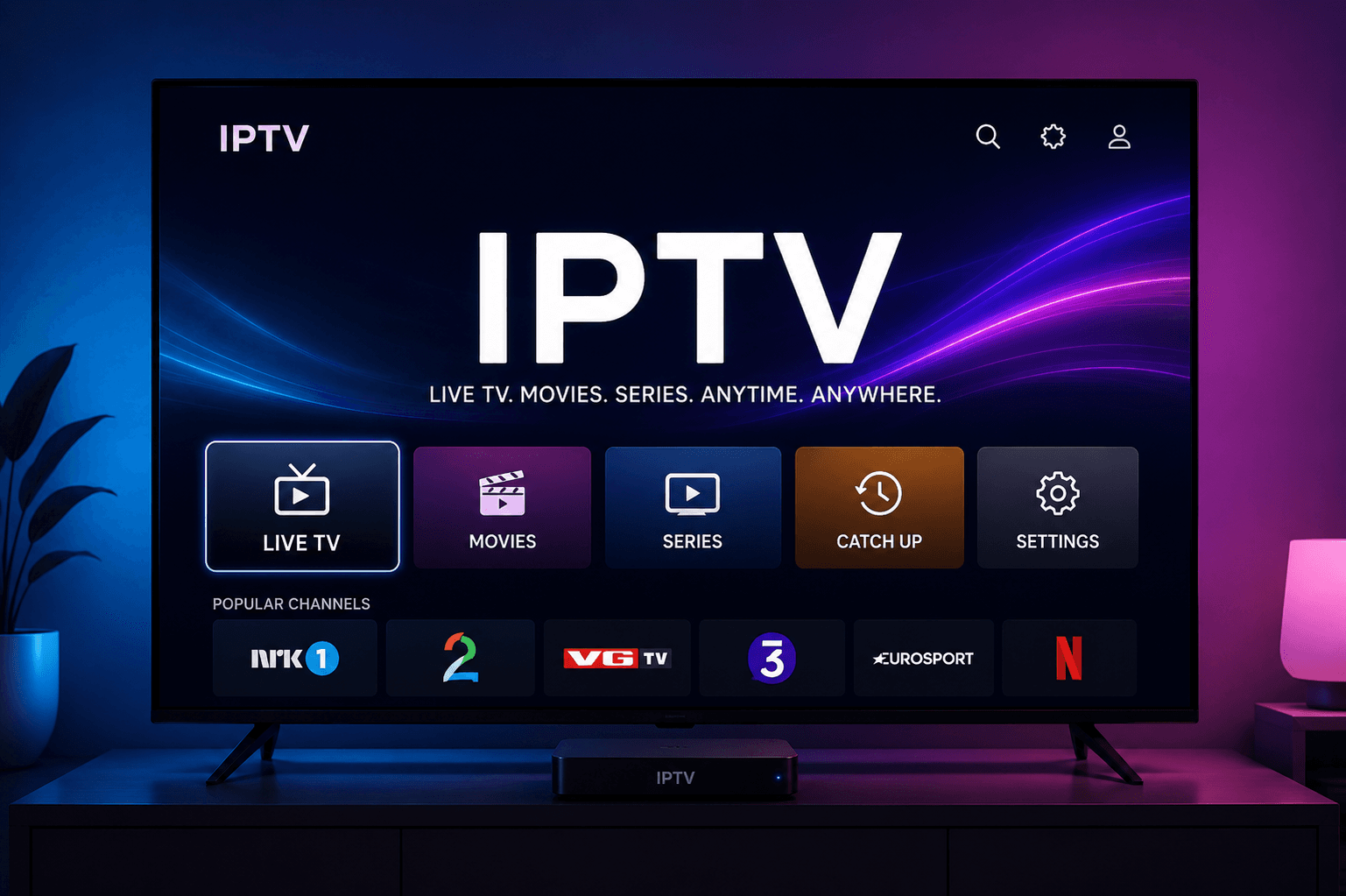
A Firestick can already turn an ordinary television into a connected entertainment center, but its potential extends beyond the most familiar streaming applications. Firestick IPTV is one option worth exploring for viewers interested in internet-delivered television and a more flexible way to organize their viewing experience.
IPTV, or Internet Protocol Television, uses internet networks to deliver television programming. A compatible Firestick can run IPTV applications that provide access to authorized content from supported services.
The important thing to understand is that the Firestick itself is only one part of the setup.
A typical arrangement looks like this:
Firestick → Internet connection → IPTV application → IPTV service → Authorized programming
The device provides the hardware platform, the application provides the interface, and the IPTV service supplies the programming according to its subscription and licensing arrangements.
Once we understand how these components work together, it becomes easier to see why Firestick IPTV is worth exploring for viewers who want more flexibility from their streaming device.
Why Explore Firestick IPTV?
The biggest attraction is not necessarily the number of available channels. It is the possibility of creating a more personalized television experience.
Depending on the application and service, viewers may have access to features such as:
- Electronic Program Guides
- Favorites
- Search
- Categories
- Playback controls
- Video-on-demand sections
- Personalized channel organization
These features can make large amounts of programming easier to navigate.
Instead of relying exclusively on traditional channel surfing, we can use software tools to find and organize content according to our preferences.
How Firestick IPTV Works
Understanding the different components helps eliminate common misconceptions.
The Firestick
The Firestick is the hardware device connected to the television. It runs compatible applications and sends video and audio to the display.
The IPTV Application
The application provides the interface through which users browse and play available content.
The IPTV Service
The service provides programming and account access according to its subscription terms.
The Internet Connection
The internet connection transfers the streaming data between the service and the Firestick.
The Television
The TV displays the video and produces the audio.
Every part of this chain can influence the final experience.
firestick iptv Subscription
The firestick iptv Subscription deserves careful consideration because it determines the programming, features, device support, and service conditions available to the viewer.
A common mistake is choosing a provider based solely on the number of channels advertised.
A better strategy is to evaluate the complete service.
Choose Relevant Programming
We should first identify the content we actually want.
Depending on the legitimate provider, categories may include:
- News
- Entertainment
- Movies
- Sports
- Regional programming
- International channels
- Documentaries
- Children's content
A service with fewer but more relevant channels may be more useful than a massive catalog filled with programming we never watch.
Prioritize Reliability
Reliability is one of the most important factors.
A large content catalog does not provide much value if streams are frequently unavailable or unstable.
We should consider:
- Playback consistency
- Service infrastructure
- Application performance
- Content availability
- Customer support
- Network requirements
The goal should be consistent access to the programming we actually use.
Review the Subscription Terms
Before purchasing, we should understand:
- Subscription duration
- Total cost
- Renewal conditions
- Refund policy
- Cancellation rules
- Supported devices
- Simultaneous-stream limits
Clear terms make a service easier to evaluate.
Content Licensing Is Important
IPTV is a legitimate technology used to deliver television programming over internet networks.
However, individual services can have different rights to the content they distribute.
We should choose providers that operate transparently and have appropriate authorization to distribute their programming.
A service advertising premium copyrighted content without credible information about its licensing should be approached carefully.
The Firestick itself does not determine whether a service is authorized.
The provider's content rights are what matter.
The EPG Can Transform the Viewing Experience
One of the most useful features available in many IPTV applications is the Electronic Program Guide, commonly known as EPG.
Without a guide, we may need to open individual channels to discover what is currently playing.
An EPG can provide a television-style schedule showing current and upcoming programming.
Depending on the service, it may display:
- Channel names
- Current programs
- Upcoming programs
- Program times
- Program descriptions
This makes content discovery significantly easier.
Keep EPG Data Updated
If program information is incorrect, the Firestick may not be responsible.
The EPG relies on schedule information provided by the service.
Refreshing or synchronizing the guide through supported application settings can sometimes resolve temporary issues.
If the information remains inaccurate, provider-side data may be the cause.
Use Favorites to Create Your Own Channel Lineup
Large IPTV catalogs can become difficult to navigate.
Favorites offer a straightforward solution.
We can save frequently watched channels and create a personalized list that contains only the programming we use most often.
This reduces unnecessary scrolling and makes the Firestick feel more tailored to our viewing habits.
A useful favorites list might contain:
- Regular news channels
- Favorite entertainment channels
- Frequently watched sports channels
- Regional programming
- Family content
The exact selection depends on the household.
Search Can Save Significant Time
Search is another feature that becomes more valuable as a content library grows.
Instead of browsing through long channel lists, we can search for specific programming.
A well-designed search function can make the difference between quickly finding something to watch and spending several minutes scrolling.
This is particularly useful when the service contains a large number of channels or programs.
Categories Improve Organization
Categories can help separate programming into logical groups.
Depending on the service, we might find categories for:
- Sports
- News
- Movies
- Entertainment
- International content
- Regional channels
- Children's programming
Combining categories with favorites and search creates a much more efficient navigation system.
Streaming Quality Depends on More Than the Firestick
A common misconception is that the Firestick alone determines streaming performance.
In reality, the entire delivery chain matters.
Content source → IPTV service → Internet connection → Application → Firestick → Television
If any part performs poorly, the viewing experience can suffer.
For example, a weak Wi-Fi signal can cause buffering even when the IPTV service itself is functioning correctly.
Likewise, a low-quality source cannot be transformed into genuine high-quality video simply by selecting a higher output resolution.
Internet Stability Should Be a Priority
Streaming continuously transfers data, making a stable internet connection essential.
We can improve network conditions by:
- Positioning the router effectively
- Reducing wireless interference
- Keeping the Firestick within strong Wi-Fi coverage
- Limiting unnecessary bandwidth usage
- Avoiding simultaneous heavy downloads during important streams
High advertised internet speed is useful, but consistency is equally important.
Consider Wired Connectivity
Where compatible equipment supports it, a wired connection can be an alternative for households experiencing persistent Wi-Fi problems.
It is not essential for everyone, but it can help eliminate wireless instability.
Picture Quality Is About More Than Resolution
It is tempting to assume that a higher resolution automatically means better streaming.
The reality is more complicated.
Picture quality depends on:
- Source quality
- Bitrate
- Internet stability
- Application performance
- Firestick output
- Television capabilities
A stable HD stream can often provide a better experience than a higher-resolution stream that constantly buffers.
The objective should be smooth, consistent playback.
Optimize Firestick Display Settings
The Firestick should be configured according to the television's capabilities.
Depending on the hardware, available options may include:
- Display resolution
- HDR
- Frame-rate matching
- Display preferences
Automatic configuration can be useful where supported.
We should avoid forcing settings that the television or content does not properly support.
Don't Forget Audio
A complete home entertainment setup needs good audio as well as video.
If we use a soundbar or home theater system, the Firestick, television, and audio equipment should be configured correctly.
When sound problems occur, check:
- TV volume
- Mute status
- HDMI connections
- Firestick audio settings
- Soundbar settings
- Receiver configuration
- IPTV application settings
Testing another streaming application can help identify whether an audio problem is specific to IPTV.
Manage Firestick Storage
Storage is easy to overlook.
Installing many applications can consume available space and make the device harder to manage.
We should periodically remove applications that we no longer use.
This can provide:
- A cleaner interface
- More available storage
- Easier maintenance
- Simpler troubleshooting
When clearing application data, we should remember that stored account information and preferences may be removed.
Keep Software Updated
Official Firestick software updates can improve compatibility, stability, and security.
We should keep the device reasonably current and use official update methods.
The same principle applies to supported IPTV applications.
Outdated software can sometimes create compatibility problems that disappear after an appropriate update.
Restarting Can Solve Temporary Problems
A restart is one of the simplest troubleshooting methods.
It can sometimes resolve:
- Slow menus
- Application freezes
- Temporary playback problems
- Remote responsiveness issues
- Minor system glitches
If the Firestick begins behaving unusually, restarting it can be a sensible first step.
A Systematic Approach to Buffering
Buffering is among the most common concerns with internet-based streaming.
However, it does not automatically mean the IPTV provider is responsible.
We should identify where the problem occurs.
Test Another Streaming Application
If another legitimate streaming application also buffers, investigate the network.
Test Several IPTV Channels
If only one channel has problems, the issue may be specific to that stream.
Check the Wi-Fi Connection
Weak wireless coverage or network congestion can affect playback.
Restart the Router
Temporary network problems can sometimes be resolved by restarting the router.
Restart the Firestick
This can clear temporary device issues.
Check the IPTV Application
Make sure it is supported and properly configured.
This step-by-step approach is much more useful than changing several settings simultaneously.
Use the Firestick for More Than One Viewing Style
Another reason Firestick IPTV is worth exploring is the ability to combine different viewing habits.
We might use the IPTV application for live television while using other legitimate streaming applications for on-demand content.
This creates a broader entertainment environment rather than forcing every type of content into a single service.
The Firestick can therefore function as a central entertainment platform.
Create a Personalized Home Screen
A cluttered device can make streaming feel unnecessarily complicated.
We should keep frequently used applications easily accessible and remove software we no longer need.
A simple home environment can make it faster to move between IPTV and other legitimate entertainment services.
The best setup is not necessarily the one with the most applications.
It is the one that makes our most common activities easiest.
Use IPTV Features That Actually Matter
Not every feature deserves equal attention.
For everyday viewing, the most useful features are often:
Favorites
Fast access to frequently watched channels.
Search
Quick discovery of specific programming.
EPG
Easy access to television schedules.
Categories
Better organization of large libraries.
Playback Controls
Greater control over compatible streams.
We should focus on features that solve real viewing problems instead of collecting unnecessary options.
Security Should Be Part of the Setup
Streaming convenience should not come at the expense of security.
We should:
- Keep Firestick software updated.
- Use strong account passwords.
- Avoid sharing credentials unnecessarily.
- Install applications from trusted sources.
- Avoid suspicious modified software.
- Review service privacy policies.
- Use reputable payment methods.
A legitimate and transparent service should not require questionable installation methods simply to access basic functionality.
How to Get More From Your Firestick IPTV Setup
A practical setup can be built around a few priorities.
1. Start With Reliable Internet
A stable network provides the foundation for streaming.
2. Choose a Legitimate IPTV Service
Look for relevant content, reliability, compatibility, transparent pricing, support, and appropriate content rights.
3. Install a Supported Application
Use an application compatible with the Firestick and service.
4. Organize Your Content
Set up favorites, categories, search, and EPG features.
5. Configure Display and Audio
Match settings to the television and sound system.
6. Maintain the Device
Remove unused applications and install official updates.
7. Troubleshoot Methodically
Determine whether problems originate from the network, application, device, stream, or provider.
A Simple Firestick IPTV Checklist
This checklist can help create a more balanced setup.
Common Mistakes to Avoid
Choosing a Service Only for Its Channel Count
More channels do not automatically provide more value.
Ignoring Network Performance
A poor connection can undermine an otherwise excellent setup.
Installing Unknown Applications
Unverified software can introduce security and reliability problems.
Changing Advanced Settings Without a Reason
If the system works correctly, unnecessary modifications may create more problems than they solve.
Ignoring Subscription Conditions
We should understand device limits, renewals, refunds, and cancellation policies before paying.
Forgetting About Licensing
We should select services that have appropriate authorization to distribute their programming.
What Makes a Good Firestick IPTV Setup?
A good setup does not have to be complicated.
The foundation is:
Compatible Firestick + stable internet + supported IPTV application + legitimate IPTV service + organized interface
From there, we can add useful improvements such as:
- EPG
- Favorites
- Search
- Categories
- Appropriate display settings
- Proper audio configuration
- Regular software maintenance
This approach keeps the system practical and easy to manage.
Why Firestick IPTV Is Worth Exploring
The real value of Firestick IPTV lies in the combination of flexibility, organization, and convenience.
Viewers can potentially manage programming through a television-friendly interface rather than depending exclusively on conventional channel navigation.
Search can make large catalogs easier to explore.
Favorites can reduce repetitive scrolling.
The EPG can make schedules easier to understand.
Categories can organize large amounts of content.
A stable internet connection can support smoother playback.
Together, these features can create a more personalized experience.
Final Thoughts
Firestick IPTV is worth exploring if you want more from your Firestick, particularly if you are interested in internet-delivered television and a more flexible way to organize your viewing.
The technology itself is only part of the equation. The quality of the experience depends on the interaction between the Firestick, internet connection, IPTV application, legitimate service, and television.
The firestick iptv Subscription should therefore be selected carefully. We should consider relevant programming, reliability, application compatibility, pricing, customer support, simultaneous-stream limits, and legitimate content licensing rather than focusing solely on impressive channel numbers.
Once the right foundation is in place, several simple improvements can make everyday streaming easier.
Use favorites to build a personalized channel list. Use search to find specific programming quickly. Use the EPG to explore schedules. Keep the Firestick updated and free from unnecessary applications. Configure display and audio settings according to the television. Most importantly, troubleshoot problems systematically rather than changing multiple settings at once.
Firestick IPTV does not need to be complicated to be useful.
A stable network, compatible hardware, trustworthy application, legitimate IPTV service, and organized interface can provide a strong foundation for modern home entertainment.
The biggest opportunity is personalization. Instead of navigating television exactly as it has traditionally been presented, we can create an environment that reflects the way we actually watch content.
That is what makes Firestick IPTV worth exploring: not simply having another streaming option, but having the potential to build a more organized, flexible, and convenient television experience around the Firestick we already use.