
Offline Design Software: Silhouette Studio® vs. Cricut Design Space®

Written By
Admin
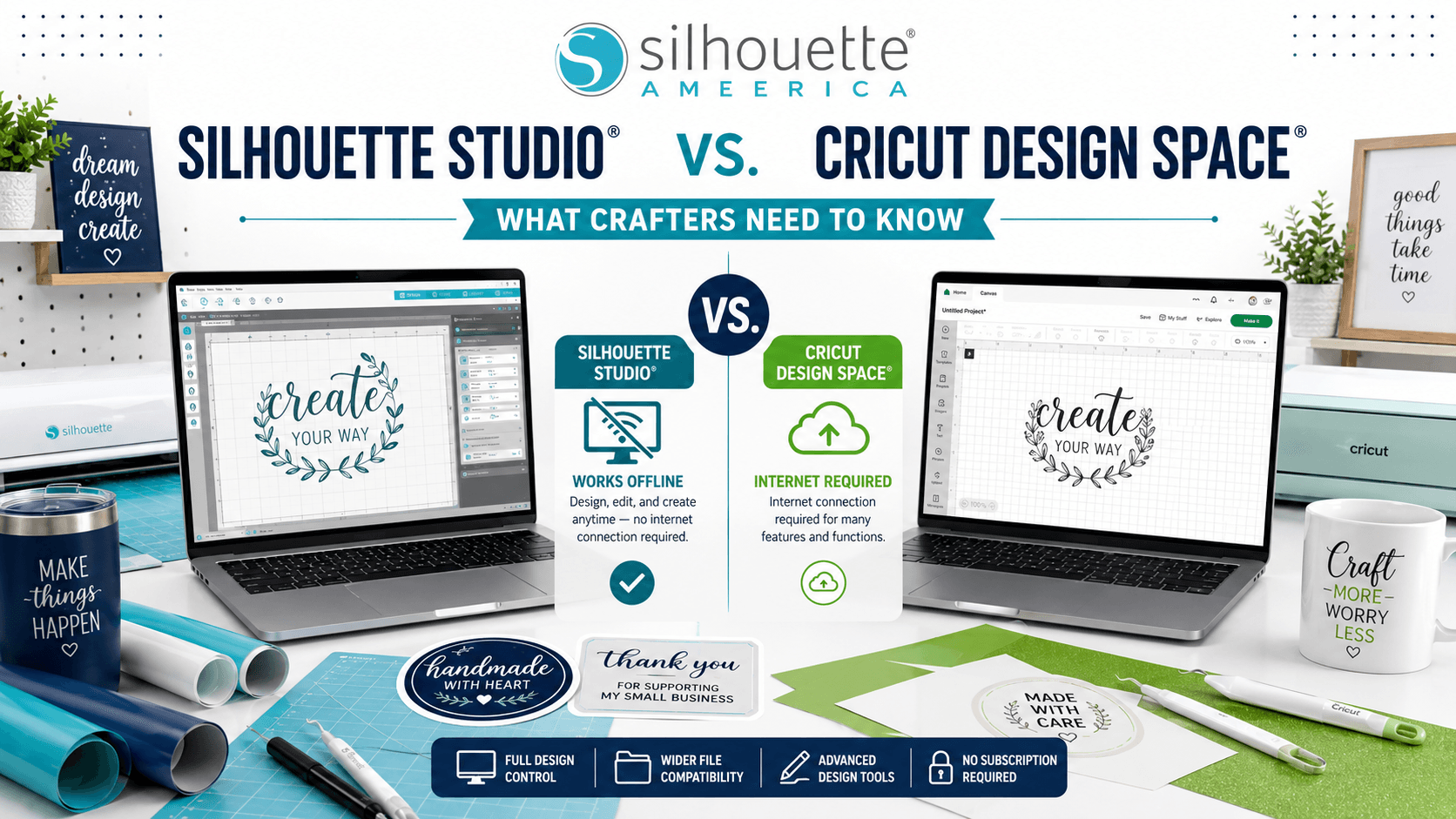
When choosing a cutting machine, most crafters focus on hardware features like cutting force, machine size, or material compatibility. But there's another factor that can have an even bigger impact on your crafting experience:
The software.
After all, every project starts with a design. Whether you're creating stickers, vinyl decals, custom apparel, labels, paper crafts, or small-business products, your design software is where creativity comes to life.
One of the biggest differences between Silhouette America and Cricut is how their software handles design creation and offline functionality. For many makers, designers, and small business owners, the ability to design and work without relying entirely on an internet connection can be a major advantage.
In this guide, we'll compare Silhouette Studio® and Cricut Design Space®, explore their approaches to offline design, and explain why many serious crafters consider software flexibility one of the biggest strengths of the Silhouette ecosystem.
Why Design Software Matters More Than You Think
Your cutting machine can only do what your software tells it to do.
Good design software helps you:
- Create projects faster
- Customize designs more easily
- Organize your workflow
- Reduce design limitations
- Improve production efficiency
For hobbyists, software convenience matters.
For Etsy sellers, crafters, teachers, and small business owners, software flexibility can directly affect productivity and profitability.
Meet Silhouette Studio®
Silhouette Studio® is the design software developed by Silhouette America for use with Silhouette machines, including:
- Cameo® Series
- Portrait® Series
- Curio™ Series
Unlike many cutting software platforms that focus primarily on basic project creation, Silhouette Studio® offers tools that feel much closer to professional design software.
It combines:
- Design creation
- Editing capabilities
- Print & Cut functionality
- Material settings
- Library management
- Production workflows
all within a single platform.
The Offline Advantage of Silhouette Studio®
One of the biggest reasons many crafters prefer Silhouette Studio® is its ability to function without a constant internet connection.
Once installed, users can:
- Open saved projects
- Create new designs
- Edit files
- Access local libraries
- Prepare projects for cutting
without depending entirely on cloud access.
This is particularly valuable for:
Small Business Owners
When fulfilling customer orders, downtime can cost money.
Having software that allows you to continue designing and preparing projects even when internet access is unavailable helps maintain productivity.
Craft Fair Vendors
Many makers design and prepare products while traveling or attending events where internet connections may be inconsistent.
Home Crafters
Not every craft room has perfect Wi-Fi coverage.
With Silhouette Studio®, your creativity doesn't have to stop because your internet does.
Cricut Design Space®: A Cloud-Focused Approach
Cricut Design Space® is designed around a more cloud-centric workflow.
While Cricut has introduced some offline capabilities over the years, its ecosystem is still heavily integrated with online syncing, account access, and cloud-based project management.
For some users, this provides convenience.
For others, it can create limitations when:
- Internet service is unavailable
- Cloud syncing experiences delays
- Large design libraries become difficult to manage
- Advanced editing is required
The key difference is that Cricut Design Space® is primarily built around project assembly, while Silhouette Studio® provides more extensive design creation capabilities.
Design Freedom: Where Silhouette Studio® Stands Out
Many experienced crafters describe Silhouette Studio® as offering significantly more design flexibility.
Some of its popular capabilities include:
Advanced Text Tools
Create and customize:
- Monograms
- Personalized gifts
- Business branding
- Signage
- Typography projects
with greater control over spacing, kerning, and layout.
Detailed Editing Features
Users can:
- Modify shapes
- Edit points
- Create custom designs
- Build layered artwork
without needing additional software for many projects.
Professional-Level Workflow
For users who enjoy designing from scratch, Silhouette Studio® offers a workflow that feels closer to graphic design software than a simple project builder.
The Silhouette Design Store Advantage
Software becomes even more powerful when paired with a strong design library.
That's where the Silhouette Design Store comes in.
The Design Store gives users access to:
- Hundreds of thousands of designs
- Fonts
- Patterns
- SVG-style cut files
- Stickers
- Labels
- Business templates
- Seasonal collections
Because Silhouette Studio® integrates seamlessly with the Design Store, creators can quickly:
- Browse designs
- Download files
- Customize artwork
- Send projects to cut
all within the Silhouette ecosystem.
For many users, this creates a streamlined workflow that supports both creativity and efficiency.
Why Small Businesses Often Prefer Silhouette Studio®
If you're creating products to sell, software flexibility becomes even more important.
Common small-business projects include:
- Custom stickers
- Product labels
- Packaging inserts
- Vinyl decals
- Personalized gifts
- Apparel graphics
Business owners often need to:
- Edit designs quickly
- Create variations
- Personalize orders
- Adjust layouts
- Batch produce products
Silhouette Studio® gives creators more control over these tasks without constantly switching between multiple programs.
Combined with the vast resources available through the Silhouette Design Store, it becomes a powerful production system for makers who want to scale their businesses.
Offline Access and Creative Confidence
One benefit that's often overlooked is peace of mind.
When your software allows you to work independently of your internet connection, you gain:
- Greater reliability
- Fewer interruptions
- Better project accessibility
- More control over your workflow
Whether you're designing late at night, traveling, working from a craft room, or preparing products for a busy sales season, having access to your projects when you need them can make a significant difference.
Which Software Is Better for You?
Silhouette Studio® May Be Ideal If You:
- Want stronger offline functionality
- Enjoy designing from scratch
- Need advanced editing tools
- Run a craft business
- Create custom products regularly
- Prefer greater design flexibility
Cricut Design Space® May Be Ideal If You:
- Prefer a simpler project-building experience
- Primarily use pre-made designs
- Are comfortable with a cloud-focused workflow
- Need basic customization features
Neither approach is inherently right or wrong—it depends on your crafting goals.
The Power of the Complete Silhouette Ecosystem
One reason many makers remain loyal to Silhouette America is the combination of:
Powerful Hardware
Machines like the Cameo®, Portrait®, and Curio™ offer versatility across countless project types.
Flexible Software
Silhouette Studio® provides creative freedom and offline accessibility.
Massive Design Library
The Silhouette Design Store delivers an ever-growing collection of digital designs, fonts, patterns, and cut files for every occasion.
Together, these three elements create an ecosystem designed to support hobbyists, professional crafters, educators, and small-business owners alike.
Final Thoughts: Software Should Empower Your Creativity
A cutting machine is only as powerful as the software behind it.
While both Silhouette Studio® and Cricut Design Space® help users create amazing projects, many crafters appreciate the flexibility, design control, and offline functionality offered by Silhouette Studio®.
When paired with a Silhouette America machine and the extensive resources available in the Silhouette Design Store, creators gain the freedom to design, customize, and produce projects on their own terms—whether they're connected to the internet or not.
For makers who value creative control, workflow flexibility, and access to a thriving design community, the Silhouette ecosystem continues to be a compelling choice for crafting, business, and everything in between.